
Smart lighting has revolutionized the way we interact with our homes, and voice control takes convenience to the next level. Imagine turning on your lights, adjusting brightness, or setting the perfect ambiance—all with a simple voice command. Whether you’re using Amazon Alexa, Google Home, or Apple HomeKit, voice-activated lighting makes home automation effortless.
In this guide, we’ll explore how voice-controlled lighting works, which platforms are best, and how to integrate smart ceiling fans for a fully automated home.
Why Choose Voice-Controlled Lighting?
Voice-activated lighting isn’t just a gimmick—it offers real benefits:
✅ Hands-Free Convenience – Control lights without lifting a finger, perfect for busy or mobility-impaired users.
✅ Smart Home Integration – Sync with other smart devices like thermostats, security cameras, and smart ceiling fans.
✅ Energy Efficiency – Use voice commands to turn off unused lights and reduce electricity waste.
✅ Enhanced Security – Program voice-activated routines to make it look like someone’s home when you're away.
✅ Mood & Ambiance Control – Set lighting scenes for movies, reading, or relaxation instantly.
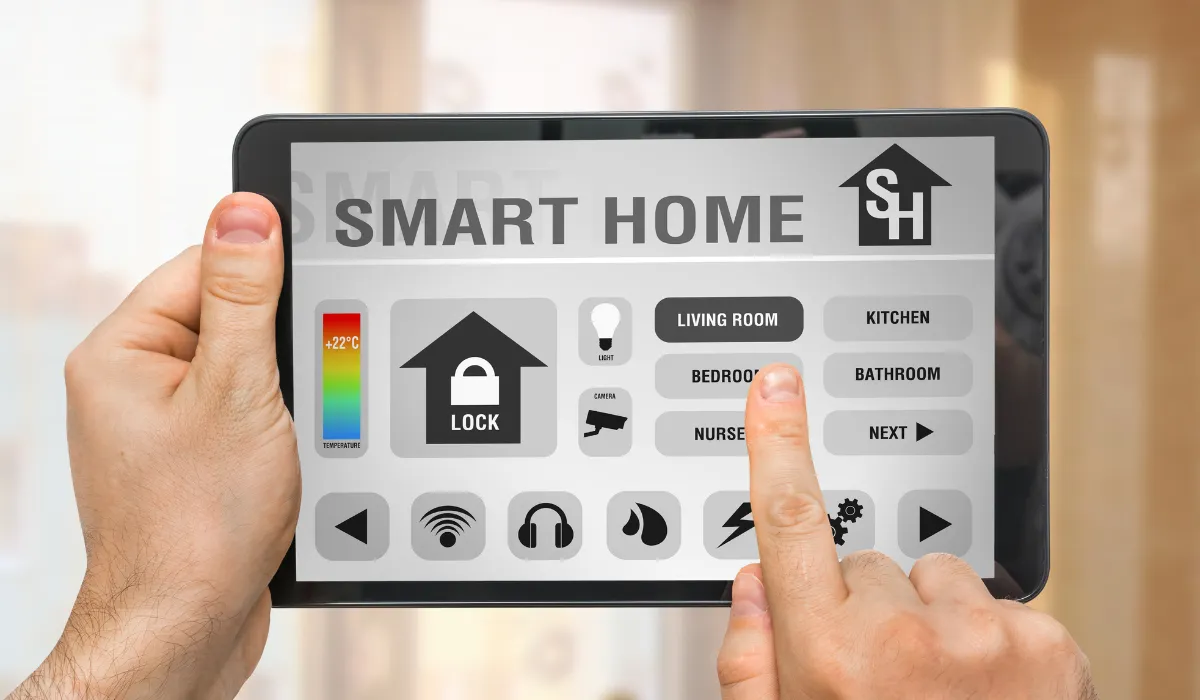
Step 1: Choosing the Right Voice Assistant
Most smart lighting products work with one or more voice assistants. Here’s how they compare:
- Amazon Alexa 🗣️
- Compatible with Philips Hue, Yeelight, and smart ceiling fans.
- Supports grouped commands (e.g., "Alexa, turn off all lights").
- Works well with Amazon Echo and Fire TV devices.
- Google Assistant 🎙️
- Best for Google Nest Hub users.
- Works seamlessly with Yeelight and Philips Hue.
- Can integrate Google Routines for advanced automation.
- Apple HomeKit (Siri) 🍏
- Ideal for iPhone and Apple ecosystem users.
- Supports adaptive lighting and automation with Apple Shortcuts.
- Works with Yeelight and Philips Hue for hub-free smart lighting.
🔎 Pro Tip: If you use multiple smart devices, pick a voice assistant that integrates with all of them (e.g., Google Assistant or Alexa for the widest compatibility).
Step 2: Setting Up Voice-Controlled Lighting
Once you’ve chosen a voice assistant, follow these steps to set up your smart lighting:
- Install Smart Light Bulbs or Switches
- Smart Bulbs (e.g., Yeelight, Philips Hue) screw into standard sockets.
- Smart Switches (e.g., Lutron Caséta, TP-Link) replace traditional switches for whole-room control.
- Smart Plugs (for lamps and non-smart fixtures) can add voice control to standard lights.
- Connect to Your Voice Assistant
- Download the corresponding app (Alexa, Google Home, or Apple Home).
- Add your smart lights to the app and assign them to rooms.
- Enable the skill (Alexa) or sync the device (Google/Siri).
- Use Voice Commands
Once paired, try these common commands:
- "Alexa, turn on the living room lights."
- "Hey Google, dim the bedroom lights to 50%."
- "Siri, set the lights to warm white."
🔎 Pro Tip: Use custom voice routines (e.g., "Goodnight" turns off all lights and locks the door).
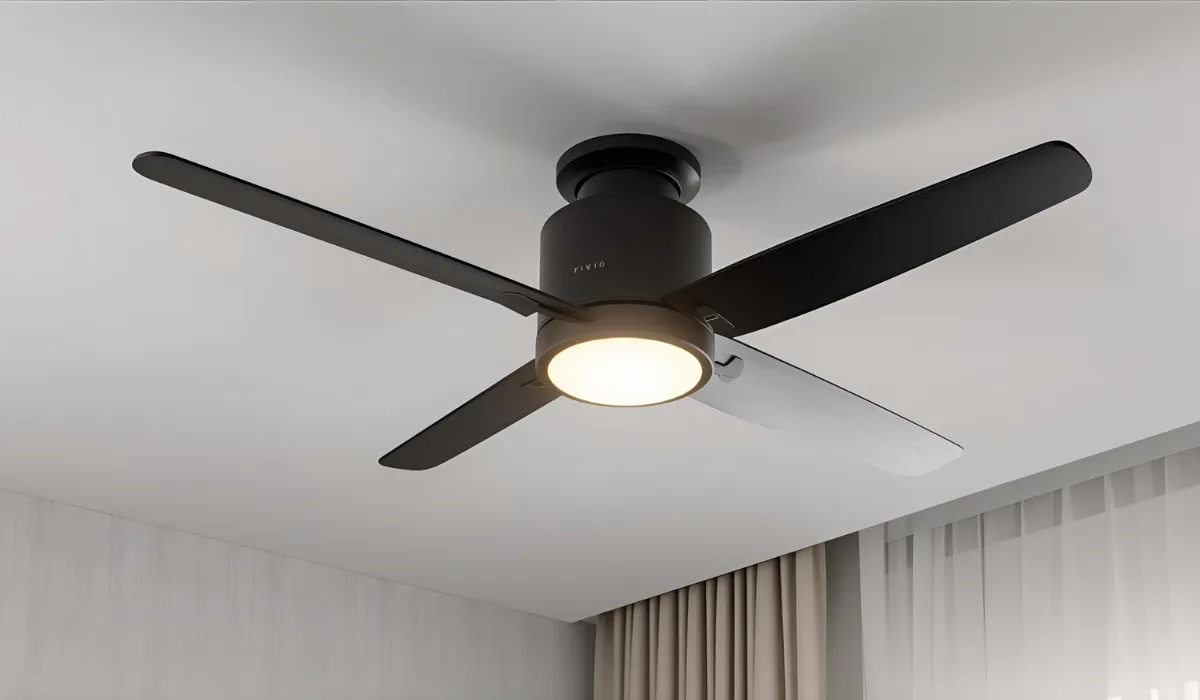
Step 3: Expanding to Smart Ceiling Fans & More
Did you know voice assistants can also control smart ceiling fans? If you’re looking for complete smart home automation, adding a Wi-Fi-enabled ceiling fan is a great next step.
Best Smart Ceiling Fans with Voice Control
✅ Spin Smart Fans with Light Kit – Compatible with Alexa, Google Assistant, and HomeKit.
✅ Bestar Smart Fans – Premium fans with motion sensing and voice automation.
How to Set Up Smart Ceiling Fans with Voice Assistants
- Install a compatible smart ceiling fan with Wi-Fi or smart switch integration.
- Add the fan to the corresponding smart home platform (e.g., Google Home, Alexa, or Apple HomeKit).
- Sync with your voice assistant and try commands like:
- "Alexa, turn the fan to medium speed."
- "Hey Google, turn on the fan light."
- "Siri, set the fan to sleep mode."
🔎 Pro Tip: Use a single automation for lights and fans: "Alexa, turn on movie mode" can dim lights and slow the fan simultaneously.
Step 4: Creating Voice-Controlled Smart Home Scenes
To maximize automation, set up custom lighting and fan scenes:
- Morning Wake-Up Mode
☀️ "Hey Google, start my morning."
- Turns on bedroom lights gradually.
- Adjusts fan speed to low for comfort.
- Plays morning news on a smart speaker.
- Movie Night Mode
🎬 "Alexa, start movie mode."
- Dims living room lights to 30% warm white.
- Turns the smart ceiling fan to low speed.
- Closes smart blinds (if available).
- Sleep Mode
🌙 "Siri, turn on sleep mode."
- Turns off all lights except soft night lighting.
- Lowers fan speed and reduces noise.
- Enables Do Not Disturb on smart speakers.
🔎 Pro Tip: Combine voice control with motion sensors for a completely hands-free experience.
Final Thoughts: Voice Control for a Smarter Home
Voice-controlled lighting and smart ceiling fans offer a seamless, hands-free way to enhance comfort, energy efficiency, and home automation. Whether you prefer Alexa, Google Assistant, or Siri, integrating smart lighting and ceiling fans creates a fully connected environment.
Looking to upgrade your home? Explore our latest voice-controlled lighting and smart home devices at Light Makers, including smart ceiling fan solutions that integrate seamlessly into your connected home! 🏡✨